How to Register a PV Winzone Account Step by Step
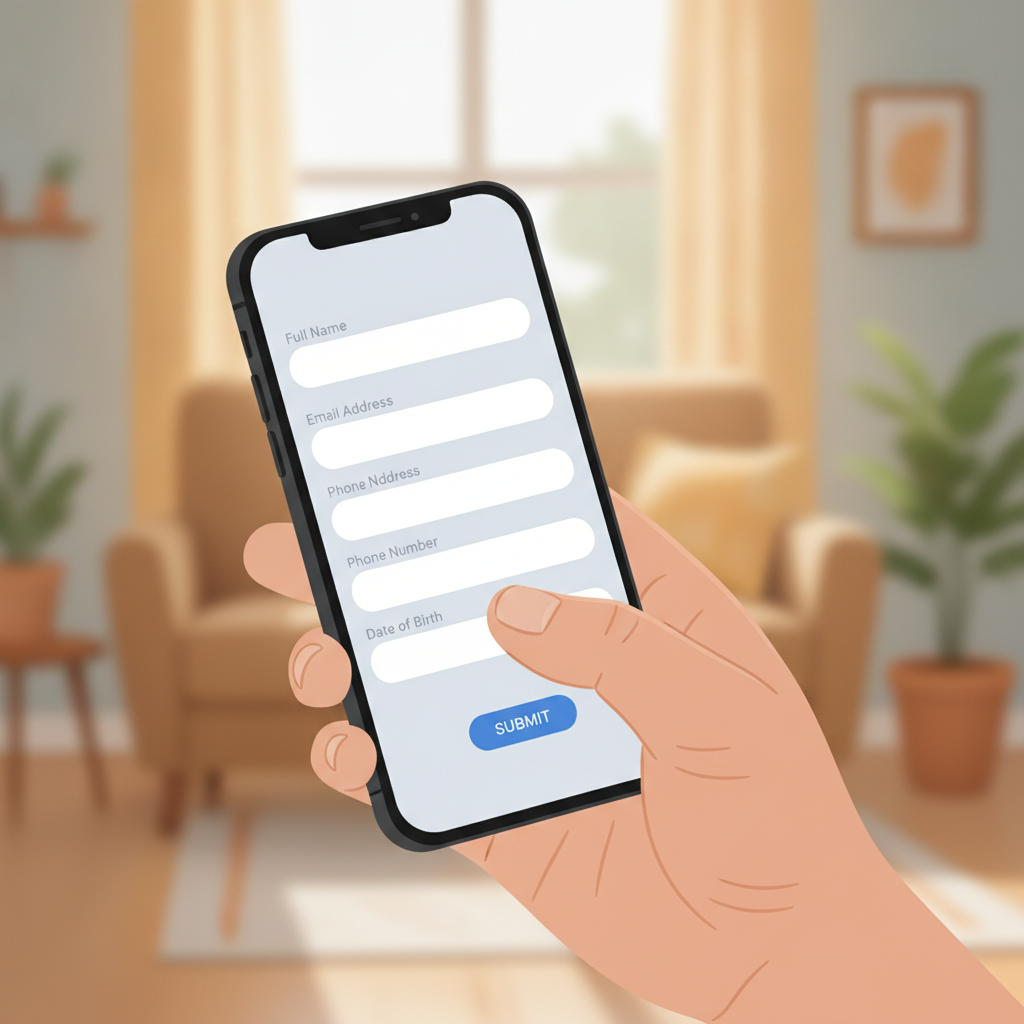
Why You Need to Register Before You Can Play
PV Winzone requires every player to create an account before placing bets or spinning slots. Registration links your real identity to your account, which the platform uses to verify you are at least 21 years old and to process deposits and withdrawals safely through GCash, Maya, or bank transfer.
Without a registered account, you cannot:
- Deposit pesos into your wallet
- Play slots, jackpot games, or live dealer tables
- Bet on PBA, NBA, volleyball, or other sports
- Claim any welcome bonus or promotional offer
- Request a withdrawal when you win
The PV Winzone register process takes about three to five minutes on a mobile phone. Once your account is active, you use your username and password to PV Winzone login every time you want to play.
This guide is for players 21 years old and above only. If you are under 21, you cannot legally register or gamble on PV Winzone.
The Information PV Winzone Asks for During Sign-Up
When you register a PV Winzone account, the platform collects personal details to confirm your identity and comply with age and anti-money-laundering rules. Expect to provide:
- Mobile number
PV Winzone sends a one-time PIN (OTP) by SMS to verify you own the number. Use a Philippine mobile number (+63) that can receive text messages. This number will also be tied to your GCash or Maya wallet if you plan to deposit that way. - Full name
Enter your legal first name and last name exactly as they appear on your government-issued ID (for example, your Philippine passport, driver's license, or postal ID). Mismatched names can delay withdrawal approvals later. - Date of birth
You must be at least 21 years old on the day you register. PV Winzone will reject any sign-up showing an age below 21. - Email address (sometimes optional)
Some registration forms ask for an email to send account confirmations and promo updates. Use an address you check regularly. - Username and password
You create these yourself. Your username becomes your unique ID for PV Winzone login, and your password keeps your account secure.
PV Winzone does not ask for your credit-card number, bank PIN, or GCash MPIN during registration. If you see a form requesting those details, stop and double-check you are on the official site.
Filling Out the Registration Form on Mobile
Most Filipino players sign up using a smartphone browser (Chrome, Safari, or your phone's default browser) or the PV Winzone app if they have already downloaded it. The steps are nearly identical on both.
Step 1: Open the PV Winzone website or app
Type the official PV Winzone URL into your mobile browser or tap the app icon. Look for a button labeled "Register" or "Sign Up" at the top-right corner of the home screen. Tap it to open the registration form.
Step 2: Enter your mobile number
The first field usually asks for your Philippine mobile number in the format 09XX XXX XXXX. Type the eleven digits carefully. PV Winzone will send an OTP to this number in the next step.
Tap "Send OTP" or "Get Code." Within a few seconds you should receive a six-digit code by SMS. Enter that code into the OTP box on the form.
If the code does not arrive after one minute, check that:
- Your phone has signal and can receive texts.
- You typed the correct mobile number.
- Your inbox is not full.
You can usually request the OTP again after a short wait.
Step 3: Fill in your personal details
Once the OTP is verified, the form expands to ask for:
- First name and Last name: Use your real, legal name.
- Date of birth: Select or type your birthdate in DD/MM/YYYY or MM/DD/YYYY format. The system will calculate your age and block registration if you are under 21.
- Email address (if required): Enter a valid email you can access.
Double-check every field for typos. Errors here can cause problems when you try to deposit money or withdraw winnings, because PV Winzone will compare these details against your ID documents.
Step 4: Tap "Next" or "Continue"
The form may be split across two or three screens. After completing the personal-information section, tap the "Next" or "Continue" button to move forward.
Creating a Username and Password
The final part of the PV Winzone register form asks you to choose login credentials.
Choosing a username
Your username is how you will PV Winzone login in the future. Most platforms let you pick any combination of letters and numbers, usually between 6 and 20 characters. Some tips:
- Avoid using your real name or mobile number as your username for security.
- Pick something easy to remember but hard for others to guess.
- The system will tell you if the username is already taken; try adding numbers or a nickname if your first choice is unavailable.
Write down your username somewhere safe or save it in your phone's notes app.
Creating a strong password
A strong password protects your account balance and personal data. PV Winzone typically requires:
- At least 8 characters (sometimes 6, but longer is safer)
- A mix of uppercase and lowercase letters
- At least one number
- Special characters (like !, @, #, $) may be required or recommended
Do not reuse the same password you use for GCash, Maya, email, or Facebook. If one service is hacked, a unique password keeps your PV Winzone account secure.
Write your password down in a safe place—not in a public note on your phone—or use a password-manager app to store it.
Confirming your password
The form will ask you to type your password a second time in a "Confirm Password" box. This step catches typos. If the two entries do not match, you will see an error and need to re-type.
Once both match, tap "Register," "Sign Up," or "Create Account."
21+ Age Requirement and Responsible Gambling Reminder
PV Winzone is for players 21 years old and above only. The platform checks your birthdate during registration and may request a photo of your government ID before approving your first withdrawal. Attempting to register with a false birthdate is against the rules and will result in account closure and forfeiture of any balance.
Why the 21+ rule matters
Philippine law and responsible-gambling standards set a minimum age for real-money betting. Online casinos and sportsbooks enforce this rule to protect minors from gambling harm. If you share your device with younger family members, keep your PV Winzone login details private and log out after each session.
Play responsibly
Gambling should be entertainment, not a way to make money or solve financial problems. Before you register and deposit, set a budget you can afford to lose. Common starting deposits on PV Winzone range from PHP 100 to PHP 500, which fits most beginners.
If you find yourself chasing losses, betting more than you planned, or feeling anxious about gambling, take a break. PV Winzone offers self-exclusion and deposit-limit tools in your account settings. You can also reach out to local support groups that help with gambling concerns.
Remember: There is no such thing as guaranteed winnings or risk-free bets. Every game and sports wager carries a chance of losing. Only bet money you are comfortable losing.
What Happens After You Register
Once you complete the PV Winzone register form and tap the final "Submit" or "Create Account" button, the platform will confirm your new account. You may see a success message on-screen or receive a confirmation email or SMS.
At this point you can:
- PV Winzone login with your new username and password.
- Make your first deposit using GCash, Maya, InstaPay, or PESONet. Minimum deposits are often PHP 100.
- Explore the game lobby—slots, live dealer tables, sports betting on PBA and NBA, and bingo.
Your account balance starts at zero, so you will need to deposit pesos before you can place real-money bets. If PV Winzone offers a welcome bonus, you may need to opt in or enter a bonus code during your first deposit; check the promotions page for current offers.
Some players are asked to verify their identity by uploading a photo of their ID and a selfie. This step, called KYC (Know Your Customer), usually happens before your first withdrawal rather than immediately after registration. Keep a clear photo of your valid government ID ready for when the platform requests it.
Quick Troubleshooting Tips
OTP not arriving?
Wait one full minute, check your signal, and request a new code. Make sure your mobile number is correct.
"Username already taken" error?
Try adding numbers, a middle initial, or a short word to make your username unique.
"You must be 21 or older" message?
Double-check your birthdate entry. If you are under 21, you cannot register on PV Winzone.
Form keeps resetting?
Clear your browser cache or try a different browser. On the app, restart and try again.
If problems persist, look for a "Contact Support" or "Live Chat" link on the PV Winzone homepage.
Final Checklist: Ready to Register
Before you start the PV Winzone register process, make sure you have:
- ✅ A Philippine mobile number that can receive SMS
- ✅ Your legal first and last name (matching your ID)
- ✅ Your correct date of birth (you must be 21 or older)
- ✅ A username idea (6–20 characters, letters and numbers)
- ✅ A strong, unique password (at least 8 characters, mixed case, numbers)
- ✅ A valid email address (if required)
Once registered, you can PV Winzone login anytime to deposit, play slots and live dealer games, bet on PBA or NBA, or try bingo—all from your Android phone, using pesos loaded via GCash, Maya, or bank transfer.
Play responsibly. You must be 21 years or older to register and gamble on PV Winzone.