How to Play Slots on PV Winzone: A First-Timer's Walkthrough
Finding the Slots Section After Logging In
Once you complete the PV Winzone login process and land on the home screen, you'll see several game categories displayed as tiles or tabs near the top of the page. On most mobile screens, the layout shows icons or text labels for Slots, Live Casino, Sports, and sometimes Jackpots or Bingo.
Tap the Slots icon to enter the slots lobby. The platform groups hundreds of titles here, often sorted by popularity, new releases, or provider. If you're using an Android phone on a slower connection outside Metro Manila, the thumbnails may take a few seconds to load—scroll slowly to let the images appear.
Some versions of the PV Winzone interface include a search bar at the top of the slots lobby. You can type a game name if you already know what you want to try, but first-timers usually browse the "Popular" or "Hot Games" row to see what other Filipino players are spinning.
Look for small labels on each game thumbnail that show the provider name (like Pragmatic Play, PG Soft, or Jili Games) and sometimes a "Demo" or "Play" button. When you're ready to play for real pesos, make sure you've completed your first PHP deposit through GCash, Maya, or bank transfer so your account balance shows a positive amount.
Choosing a Slot Game and Opening It on Mobile
Scroll through the slots lobby and tap any game thumbnail that catches your eye. Popular titles among Filipino players on PV Winzone often include Fortune Gems, Sugar Rush, Gates of Olympus, and local-themed games from providers like Jili and FA Chai.
When you tap a game, a loading screen appears with the provider's logo and a progress bar. On a stable Wi-Fi or 4G connection in Metro Manila, most slots load in five to ten seconds. On slower 3G networks in the provinces, it may take up to thirty seconds—be patient and avoid tapping multiple times, which can freeze the screen.
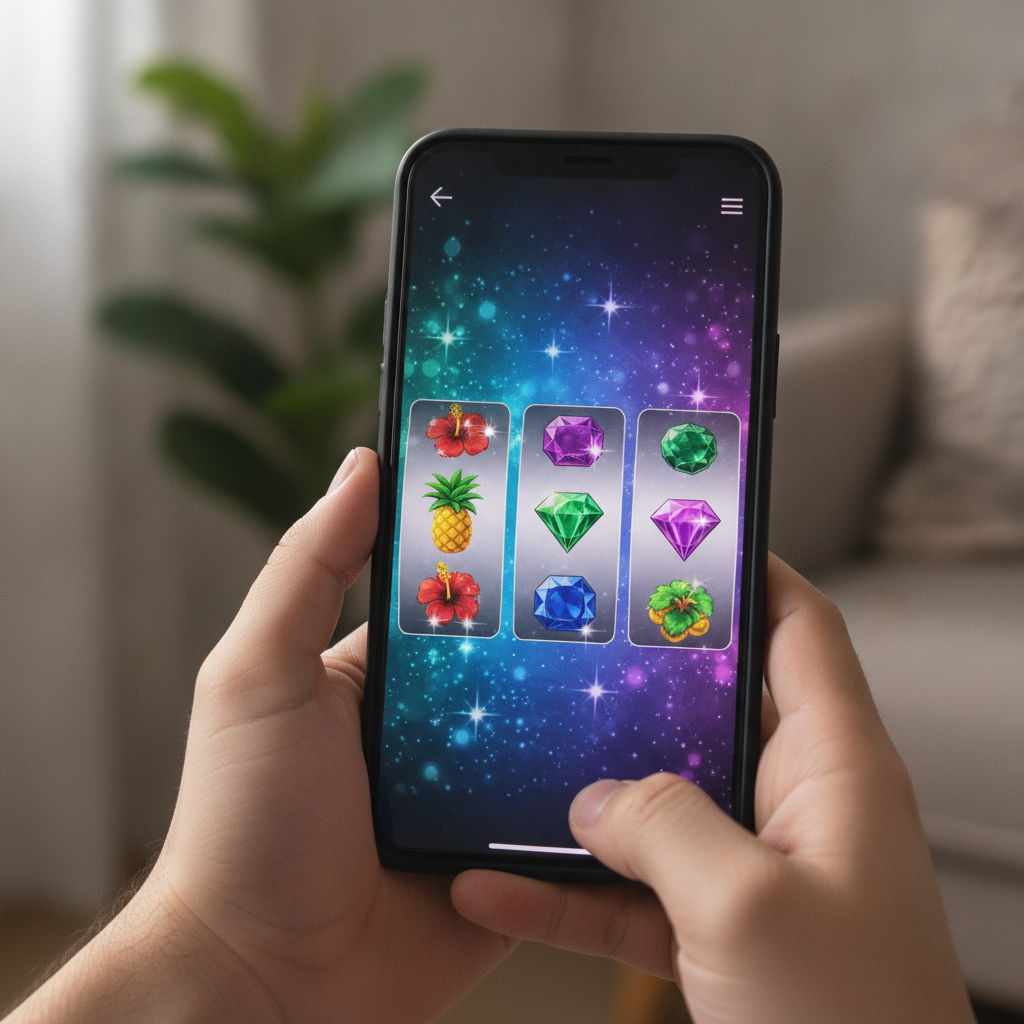
Once the game loads, it fills your phone screen in portrait or landscape mode depending on the title. Most modern slots automatically rotate to fit your device orientation. You'll see the reels in the center, a spin button at the bottom (usually a large circular icon), and smaller buttons for the paytable, settings, and bet adjustment along the edges.
If the game opens in demo mode instead of real-money mode, back out to the lobby and tap the game again while logged in with funds in your account. PV Winzone typically defaults to real-money play when your balance is above zero.
Setting Your Bet Per Spin (Minimum Bet Examples)
Before you tap spin, you need to set how many pesos you want to wager per round. Look for a button labeled Bet, Coin Value, or a small stack-of-coins icon near the bottom of the screen. Tap it to open a bet selector, which usually displays a grid or slider of available bet amounts.
Minimum bet examples on PV Winzone:
- Many popular slots allow bets as low as PHP 0.20 to PHP 0.50 per spin, making them accessible for players who deposited the typical PHP 100 to PHP 500.
- Some high-volatility or jackpot slots set the minimum at PHP 1.00 to PHP 2.00 per spin.
- Local-themed games and newer releases sometimes offer a PHP 0.10 minimum, though these are less common.
If you're spinning for the first time, start at the minimum bet to stretch your deposit and get a feel for the game's rhythm. The bet selector also shows maximum bets—often PHP 50, PHP 100, or higher—but stick to smaller amounts until you understand how quickly your balance can move.
After selecting your bet, the number appears next to the spin button or in a "Total Bet" field at the bottom of the screen. Double-check this amount before you start, especially if you tapped the bet button multiple times by accident. A single misplaced tap can jump your wager from PHP 0.50 to PHP 5.00 on some interfaces.
Tapping the Spin Button and Reading the Paytable
With your bet set, tap the large circular Spin button at the bottom center of the screen. The reels spin for two to three seconds, then stop one by one from left to right. If matching symbols land on a payline (or on adjacent reels in "ways to win" games), the screen highlights the winning combination and adds your prize to the balance display at the top.
How wins are shown:
- Winning symbols flash or glow, and a pop-up appears in the center of the screen showing your payout (for example, "+PHP 5.00" or "Win: 10.00").
- Some slots play a short animation or sound effect when you hit a bigger win or trigger a bonus round.
- If the spin results in no win, the reels simply stop and the screen stays still. You'll need to tap spin again to continue.
Many slots include an Auto Spin or Turbo button near the main spin control. Auto Spin lets you set a number of rounds (10, 25, 50, or more) to play automatically at your chosen bet, stopping only when you run out of balance or hit a bonus feature. Turbo mode speeds up the reel animations. Both features are optional—manual tapping gives you more control and helps you stay aware of your spending.
Reading the paytable:
Before or after your first spin, tap the small "i" (info) or three-line menu icon to open the paytable. This screen shows:
- Symbol values: How much each icon pays when three, four, or five appear on a line, listed in your bet currency (pesos).
- Special symbols: Wild symbols substitute for regular icons to complete wins; Scatter symbols often trigger free spins or bonus games when three or more land anywhere on the reels.
- Paylines or ways to win: Some slots have fixed paylines (for example, 20 or 25 lines running left to right); others use "243 ways" or "4,096 ways," meaning any adjacent matching symbols from the left reel create a win.
- Bonus features: Free-spins rounds, multipliers, pick-and-click games, or progressive jackpot rules are explained here.
Reading the paytable takes two or three minutes and helps you understand why certain spins pay more than others. You can close the paytable by tapping the X or back button and return to spinning.
Checking Your Balance After Playing
Your current balance appears at the top of the game screen, usually in a small rectangle labeled Balance or Credits, displayed in PHP. This number updates in real time:
- Each spin deducts your bet amount immediately.
- Each win adds the prize to your balance right away.
If you want to see a detailed log of your recent spins, back out of the game to the main PV Winzone lobby and look for a History, My Bets, or Transaction menu in your account section. This page lists every spin, the bet amount, and the result, though not all platforms show slot spins in granular detail—casino game history is often summarized by session or total win/loss.
When to stop:
- Set a personal limit before you start, for example "I'll stop after my balance drops to PHP 50" or "I'll play for 20 minutes."
- If your balance reaches zero, you'll see a pop-up prompting you to deposit again. You can close the game and return to the lobby at any time by tapping the X or back arrow in the corner of the screen.
Keep in mind that slots are games of chance. Winning combinations appear randomly, and no betting pattern or timing trick changes your odds. If you're not enjoying the session or you've spent your planned amount, log out and take a break.
21+ and Responsible Gambling Note
PV Winzone is intended for players 21 years old and above only. Online casino games, including slots, are forms of entertainment that involve real-money risk. Always play within your means, set deposit and time limits, and never chase losses.
If you feel that gambling is affecting your finances, relationships, or well-being, reach out to local support resources or use the responsible-gambling tools in your account settings—many platforms offer self-exclusion, deposit caps, and session reminders.
Slot games are designed for fun and should never be seen as a way to make money or solve financial problems. Play responsibly, stay informed, and enjoy the experience within your budget.